
The direct answer
To cite a journal article in MLA style, write the author’s surname and the page number in brackets, for example (Chen 205), and add one full entry to your Works Cited list: Author Last, First. “Title of Article in Title Case.” Journal Title, vol. X, no. Y, Year, pp. AA-BB.
A journal article is the source students cite most in essays and theses, and the one they most often get wrong. The template has more parts than a book entry, and the details hide in different places on the article page.
The system in short
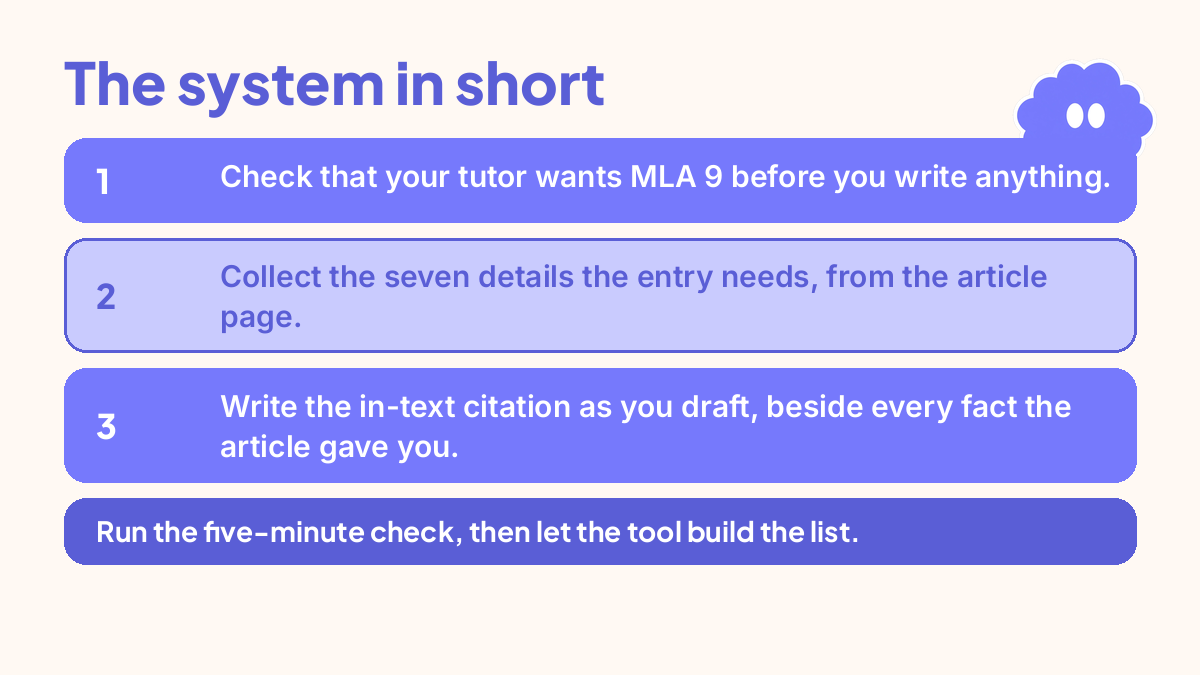
- Check that your tutor wants MLA 9 before you write anything.
- Collect the seven details the entry needs, from the article page.
- Write the in-text citation as you draft, beside every fact the article gave you.
- Build the Works Cited entry from one template, with the article title in quotation marks.
- Handle the awkward cases: no author, no pages, online-only articles, and many authors.
- Run the five-minute check, then let the tool build the list.
Step 1: Check that your tutor wants MLA 9
MLA is one style among several, and the rules here apply only if your tutor asked for MLA. The current edition is MLA 9, published in the MLA Handbook, 9th edition, in 2021. If your handbook names APA or Harvard instead, stop.
Open your university or department guide and find its journal article page. Note how it writes the volume and issue numbers and whether it wants the DOI or the URL. Your tutor’s guide always wins where it differs from this article.
The core elements are the heart of MLA 9, and they always appear in this order: Author. Title of source. Title of container, Other contributors, Version, Number, Publisher, Publication date, Location. For a journal article, the article is the source, the journal is the container, the volume and issue are the number, the year is the publication date, and the page range is the location.
In MLA, the article title uses title case, which means the main words are capitalised, and it goes in quotation marks. The journal title also uses title case, and it goes in italics, because the journal is a longer work and a container. Remember this: the article is quoted, the journal is italicised.
Step 2: Collect the seven details the entry needs, from the article page
A journal article entry needs seven details. First, the author, from the article page. Second, the article title, exactly as printed. Third, the journal title, in full. Fourth, the volume number. Fifth, the issue number. Sixth, the year. Seventh, the page range.
Write the seven details on one line, in the order the template uses them, and keep that line next to your notes. The line is the entry, half built. The details sit at the top of the article page or in the citation box most databases provide. Use the article page itself, not a search result snippet.
The volume and issue numbers are the details students most often mix up. The volume is the large number, and the issue is the smaller number within it. MLA writes them as vol. 42, no. 3. Do not drop the issue number when the article has one. If the journal has no issue number, give the volume only.
The page range is the first and last page of the article, written as pp. 201-18, with the second number shortened when it shares the first digits. Copy it from the article page, not from the PDF filename. If the article is online-only and has no page numbers, note that now: the entry will end with the DOI or URL instead.
Step 3: Write the in-text citation as you draft, beside every fact the article gave you
The MLA in-text citation for a journal article is the same as for a book: the author’s surname and the page number, in brackets, with no comma between them. “Chen argues that the street in the novel is a character, not a backdrop (Chen 205).” Write it as you draft, beside every fact.
Add a page number when you quote directly, or when the fact sits on one page of a long article. No page number is needed for a general idea drawn from the whole article. Copy quoted words exactly and give the page: a quotation without a page number cannot be checked.
With two authors, name both in the text: (Chen and Okafor 210). With three or more, use the first author’s surname and et al.: (Chen et al. 210). The Works Cited list follows the same rule.
This is where MLA differs most from Harvard. Harvard writes the year in the text, as in (Chen, 2023), while MLA writes the page number instead. The Harvard journal article guide uses the year form, so keep the two templates apart.
Step 4: Build the Works Cited entry from one template, with the article title in quotation marks
The Works Cited entry follows one template: Author Last, First. “Title of Article in Title Case.” Journal Title, vol. X, no. Y, Year, pp. AA-BB. DOI or URL when available. The article title goes in quotation marks, the journal title in italics. Entries sit in alphabetical order, on a new page titled Works Cited, with a hanging indent.
For the worked example, an article by Amara Chen published in 2023, the entry reads: Chen, Amara. “Walking the Novel: City Streets in Contemporary Fiction.” Journal of Literary Studies, vol. 42, no. 3, 2023, pp. 201-18. Note the surname first, the article title in quotation marks, the journal title in italics, and the volume and issue written as vol. and no. There is no publisher in a journal article entry.
For an article with a DOI, add it at the end, after the page range: Chen, Amara. “Walking the Novel: City Streets in Contemporary Fiction.” Journal of Literary Studies, vol. 42, no. 3, 2023, pp. 201-18. doi:10.1234/jls.2023.042. Prefer the DOI over the URL when both exist. If there is no DOI, give the stable URL instead. Do not give both.
The Works Cited page starts on a new page, the title Works Cited is centred at the top, and it is not bold and not in italics. Entries are double-spaced, in alphabetical order, with a hanging indent. Every in-text citation needs an entry, and vice versa.
Step 5: Handle the awkward cases
Five cases cause most of the lost marks. First, no author: start the entry with the article title, in quotation marks, and alphabetise by the title’s first main word. In the text, use a shortened title and the page number, for example (“Walking the Novel” 205).
Second, no page numbers: this is common with online-only journals. End the entry with the DOI or URL, and use a stable locator in the text when you quote, such as the section heading. Never invent page numbers.
Third, an article number instead of pages: some online journals number each article, for example article 14. Give the article number where the page range would go, and add the DOI.
Fourth, two authors: name both, in the order they appear on the article page. Only the first author’s name is reversed. For three or more, name the first author followed by et al.: Chen, Amara, et al.
Fifth, a journal with no issue number: give the volume only, for example vol. 42, 2023, pp. 201-18.
Step 6: Run the five-minute check, then let the tool build the list
Before you submit, spend five minutes checking every article reference. First, does each entry have all seven details, in the core elements order? Second, is the article title in quotation marks and the journal title in italics? Third, are the volume and issue numbers the right way round? Fourth, does every in-text citation have a matching entry, and vice versa? Fifth, is the list alphabetical, with a hanging indent?
Then let the citation generator build the list. Choose MLA 9, choose Journal Article, and type the seven details into the fields that appear. The tool shows an in-text citation beside every reference. Check the output against your guide once, and then trust it: the tool’s job is the punctuation, and yours is the details.
Scan the list for years in brackets in the text, which belong to Harvard. A book entry needs a publisher; a journal article entry does not, so take the publisher out if you find one in a journal entry.
A worked example: citing a journal article in an essay on the novel and the city
Your situation: Second-year English literature student, essay on how novels represent city life. You used one journal article throughout: an illustrative example, “Walking the Novel: City Streets in Contemporary Fiction” by Amara Chen, in the Journal of Literary Studies, volume 42, issue 3, 2023, pages 201 to 218. The essay is due on Friday, and the article details below are made up to show the system working, not a real citation.
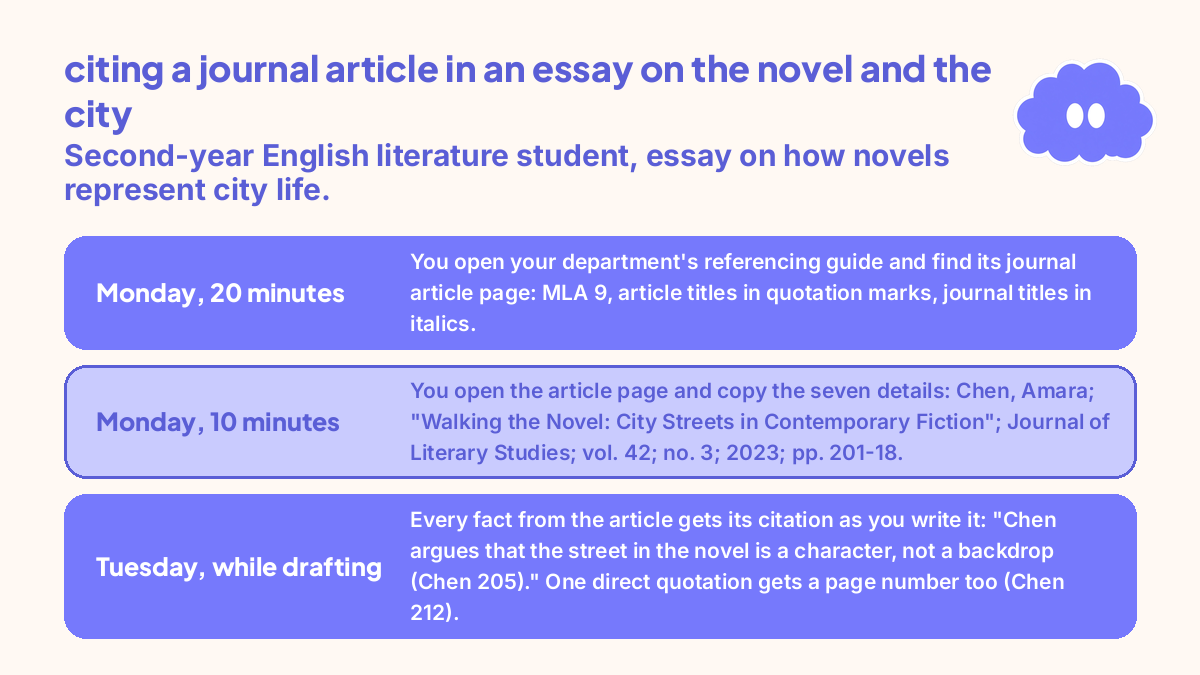
- Monday, 20 minutes: You open your department’s referencing guide and find its journal article page: MLA 9, article titles in quotation marks, journal titles in italics. You write the template on a sticky note.
- Monday, 10 minutes: You open the article page and copy the seven details: Chen, Amara; “Walking the Novel: City Streets in Contemporary Fiction”; Journal of Literary Studies; vol. 42; no. 3; 2023; pp. 201-18. You write them on one line, next to your notes.
- Tuesday, while drafting: Every fact from the article gets its citation as you write it: “Chen argues that the street in the novel is a character, not a backdrop (Chen 205).” One direct quotation gets a page number too (Chen 212).
- Wednesday, 15 minutes: You build the Works Cited entry: Chen, Amara. “Walking the Novel: City Streets in Contemporary Fiction.” Journal of Literary Studies, vol. 42, no. 3, 2023, pp. 201-18.
- Thursday, 5 minutes: You run the check: all seven details are there, the volume and issue are the right way round, and the in-text citations match the entry. The book in MLA style guide covers the book template, including the publisher a journal entry leaves out.
- Friday, 5 minutes: You put the details into the citation generator, choose MLA 9 and Journal Article, and let it build the entry. It matches yours.
The references took an hour in total, spread across the week.
When it goes wrong
You mix up the volume and the issue. The volume is the large number and the issue is the smaller number within it. MLA writes vol. 42, no. 3.
You italicise the article title. The article title goes in quotation marks; the journal title goes in italics.
You add a publisher. A journal article entry has no publisher in MLA 9. If you used the book template for an article, take the publisher out.
You copy the details from a search result. Search snippets often drop the issue number or the page range. The article page is the source.
Your Works Cited list has an entry with no in-text citation. Every entry must be cited in the text, and vice versa.
Weekly review checklist
- Have I checked that my tutor wants MLA 9, not APA or Harvard?
- Have I collected all seven details for each article?
- Did I write the in-text citation as I drafted?
- Is the article title in quotation marks and the journal title in italics?
- Have I handled the awkward cases: no author, no pages, online-only articles?
- Did I run the five-minute check, and does the tool’s output match my guide?
Downloadable infographic spec: one vertical image, title “How to cite a journal article in MLA style”, with the six steps from “The system in short” and the six review questions above, in Thynq cream, Cloud Purple, Dark Purple and pink, with the Cloud mascot. Text taken word-for-word from this article.
What this system is not
It is not a substitute for your university’s referencing guide, which always wins where it differs from this article. It is not a way to cite an article you have not read: the seven details come from the article page, not from a search result. It does not cover APA or Harvard. And it does not make referencing interesting; it makes it routine.
If you are writing a thesis, the same routine scales up: capture every article once and cite it as you draft. The guide to How to read research papers for a thesis shows a three-pass system for reading them first. When your supervisor asks for more journal sources, the guide to How to handle supervisor feedback on a thesis shows how to sort the request, and How to write a literature review system shows how to turn your article notes into an argument.
Sources
- Modern Language Association. MLA Handbook. 9th ed., Modern Language Association of America, 2021. Supports the MLA 9 core elements order and the journal article template in this article.
- Purdue OWL. MLA Formatting and Style Guide. Purdue Online Writing Lab. Read November 2026. Supports the MLA 9 journal article template and the (Author page) in-text form.
- Thynq citation generator. The tool page on thynq.org, read 22 November 2026. Supports the tool description in this article: three styles including MLA 9 and four source types including journal article.
For the full system behind this method, start with How to build a study system that fits your life.
Questions
How do I cite a journal article in MLA style?
Write the author’s surname and the page number in brackets in your text, for example (Chen 205), then add one full entry to your Works Cited list: Author Last, First. “Title of Article in Title Case.” Journal Title, vol. X, no. Y, Year, pp. AA-BB. Add the DOI or URL at the end when one is available. The article title goes in quotation marks and the journal title in italics.
Do I include the publisher when I cite a journal article in MLA style?
No. MLA 9 leaves the publisher out for journal articles, because the journal title already identifies the source. Give the journal title in italics, then the volume and issue numbers, the year, and the page range. A book entry needs a publisher, but a journal article entry does not.
What do I do if a journal article has no page numbers in MLA style?
Give the DOI or URL at the end of the entry instead, and use a stable locator in the text, such as the section heading, when you quote. Never invent page numbers. Many online-only journals number articles rather than pages, so check the article page for an article number before you assume the pages are missing.
How do I cite a journal article with more than two authors in MLA style?
In the Works Cited list, name the first author followed by et al., for example Chen, Amara, et al. In the text, use the first author’s surname and et al., for example (Chen et al. 210). With two authors, name both in the list and in the text. With one author, the entry is simply the author’s surname and first name, reversed.