The direct answer
How to make a title page in APA and MLA style starts with one check: which style does your course want? APA 7 needs a separate title page, and MLA 9 does not. In APA, the title page is page 1, with the bold, centred title and your name, affiliation, course, instructor and due date on separate lines.
The mistake that costs marks is building the wrong page. This article gives you one system that covers both styles, so you build the right page the first time.
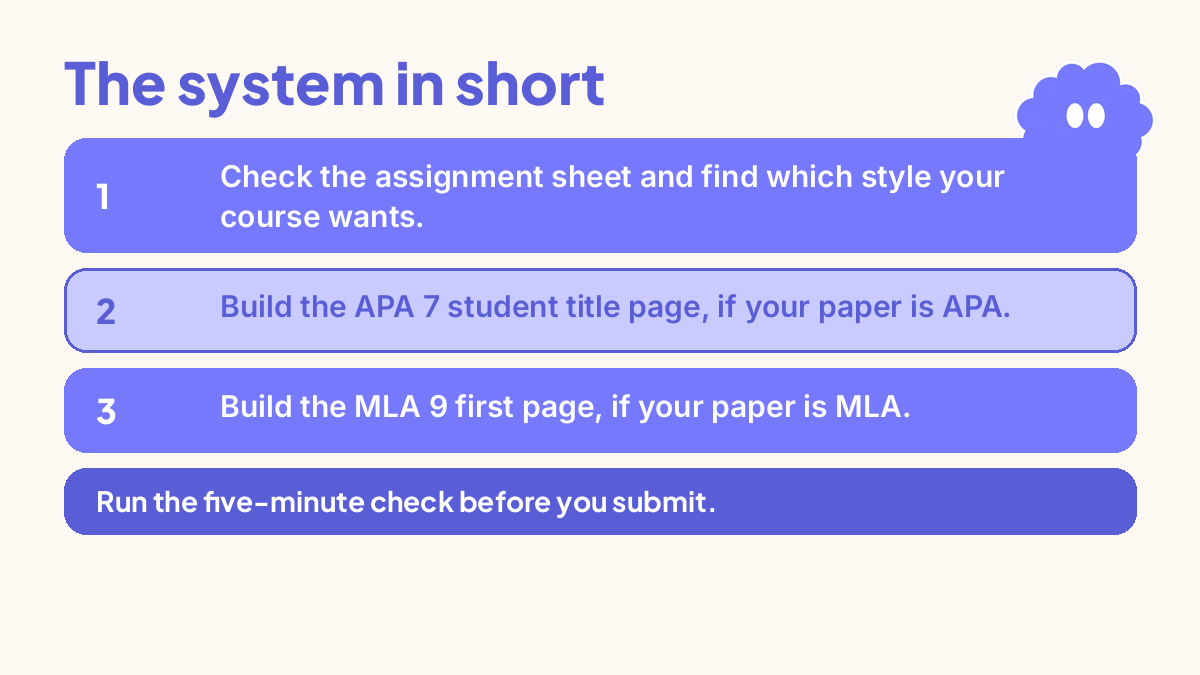
The system in short
- Check the assignment sheet and find which style your course wants.
- Build the APA 7 student title page, if your paper is APA.
- Build the MLA 9 first page, if your paper is MLA.
- Get the page numbers and the running head right for the style you are using.
- Check the title itself: short, in title case, no filler.
- Run the five-minute check before you submit.
Step 1: Check the assignment sheet and find which style your course wants
Before you type a single line, open the assignment sheet and find the style. It usually says “APA 7th edition” or “MLA 9th edition” near the top. That line wins over everything in this article. If it says APA, build the APA page. If it says MLA, build the MLA first page. If it says nothing, ask your instructor before you start, because guessing is how the wrong page gets built.
The check matters because the two styles disagree on the most basic question: does the paper start with a title page? APA 7 says yes. MLA 9 says no.
While you have the sheet open, note three more things: the course number and name, exactly as written, your instructor’s name, and the due date. APA needs all three on the title page, and MLA needs them in the heading block. Copying them from the sheet stops a course number remembered wrong.
If your course uses Harvard instead, stop here: the rules in this article do not apply. See the How to cite a book in Harvard style article and your university guide.
Step 2: Build the APA 7 student title page
An APA 7 student paper starts with a separate title page, and that page counts as page 1. The whole paper uses one-inch margins, double spacing, and a 12-point readable font, including the title page.
Start 3 to 4 lines below the top margin. Write the title in bold, centred, in title case: main words take a capital letter, and short words such as “and” and “of” stay lower-case unless they are the first word. If the title runs to two lines, keep both lines centred. No full stop, and no quotation marks or italics.
Then leave one blank double-spaced line and write the rest, each item on its own line, all centred. First, your name. Second, your affiliation, for example “Department of Psychology, University of Leeds”. Third, the course number and name. Fourth, your instructor’s name. Fifth, the due date.
The page number sits at the top right and reads 1. There is no running head on a student paper: the short title at the top left belongs on professional papers only. For example, a student called Amara Osei would centre the bold title “How Sleep Shapes Memory in First-Year Students”, then the five details below it. The essay starts on page 2.
Step 3: Build the MLA 9 first page
An MLA 9 paper has no separate title page. The first page of the essay starts with a heading block at the top left. Do not make a title page. A separate title page in an MLA paper is a formatting error, unless your instructor has asked for one in writing.
The heading block has four lines, left-aligned, double-spaced. First, your name. Second, your instructor’s name. Third, the course, with its section number, for example “English 101, Section 4”. Fourth, the date, in day month year form, for example “14 March 2026”.
Below the heading block, write the title, centred, in title case, not bold, not italicised, and with no quotation marks. This is the sharpest difference from APA, where the title is bold. The title sits on its own line, and the essay starts on the next line, with no extra blank line between them.
In MLA, the same student looks like this. The heading block reads “Amara Osei”, “Dr. Helen Marsh”, “English 101, Section 4”, “14 March 2026”. The title, centred and not bold, reads “How Sleep Shapes Memory in First-Year Students”. The essay begins on the next line, and the header at the top right reads “Osei 1”. Same details, different page.
Step 4: Get the page numbers and the running head right
Page numbers and running heads are where good title pages go wrong, because the two styles handle them differently.
In APA 7, the title page is page 1, and the number sits at the top right. Every page after it is numbered in the same place. There is no running head on a student paper, so turn it off if your word processor template has one, and check the top left of every page before you submit.
In MLA 9, every page, including the first, carries a running header at the top right: your surname and the page number, for example “Osei 1”. The most common MLA error is a first page with no header, because the word processor was set to start headers on page 2. Check the top right of page 1.
Set the header up once, using a page-number field, which updates itself on every page. Then check the first and last pages by eye. One more check, for both styles: the margins are one inch on all sides, and the spacing is double throughout.
Step 5: Check the title itself
The title is the same in both styles. A good title names the topic and the angle in as few words as possible. APA suggests about 12 words as a working cap. MLA gives no number, but the same idea holds: a short title beats a long one.
Cut three kinds of filler. First, phrases such as “A study of” and “An investigation into”: they add words and no meaning. Second, abbreviations: write the words out in full. Third, a question that the essay does not answer, because a question title promises an answer the reader does not get.
Check the capitalisation too. Both styles use title case: the main words start with a capital letter, and short words such as “and”, “of” and “in” stay lower-case. The first word of the title is always capitalised, even if it is a short word, and so is the first word after a colon. Read the title aloud: if a friend cannot say what the essay is about from it alone, rewrite it.
Step 6: Run the five-minute check before you submit
Before you submit, spend five minutes checking the page: formatting errors are the easiest marks to lose and the easiest to catch.
First, which style is it? APA means a separate title page, MLA means a heading block on page one. If you built the wrong one, rebuild it now. Second, is every detail on the page, and is it spelled right? Check the course number against the sheet, letter by letter. Third, is the title right? Bold and centred in APA, plain and centred in MLA, title case in both, no full stop, no filler. If it runs past 15 words, shorten it. Fourth, are the page numbers and the header right? APA: page 1 at the top right, no running head. MLA: your surname and the page number at the top right of every page. Fifth, are the margins one inch and the spacing double? Check the document settings, rather than guessing by eye.
Then let the citation generator handle the references, if your essay needs them. The tool builds APA and MLA references for books, journal articles, websites and chapters. It does not make title pages: the title page is your job. If your essay cites a book, the How to cite a book in APA style and How to cite a book in MLA style articles give you the reference templates, and the How to cite a chapter in an edited book article covers chapters.
A worked example: one essay, built in APA and then in MLA
Your situation: Second-year student, essay on sleep and memory in first-year students, 2,000 words, due 14 March 2026. The assignment sheet says APA 7, but your friend has an MLA 9 essay due the same week, and you want to see both pages side by side.
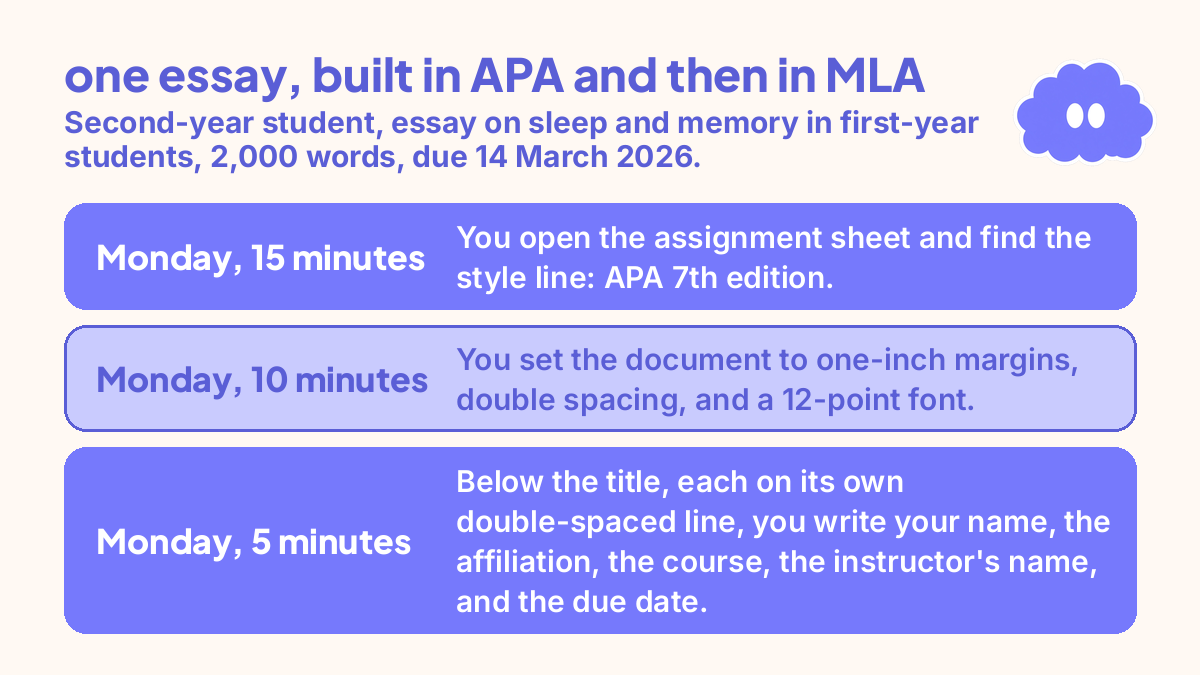
- Monday, 15 minutes: You open the assignment sheet and find the style line: APA 7th edition. You note the course number, the instructor’s name and the due date: PSYC 101, Dr. Helen Marsh, 14 March 2026.
- Monday, 10 minutes: You set the document to one-inch margins, double spacing, and a 12-point font. You write the title, bold and centred, 3 to 4 lines below the top margin: “How Sleep Shapes Memory in First-Year Students”. Nine words, no filler.
- Monday, 5 minutes: Below the title, each on its own double-spaced line, you write your name, the affiliation, the course, the instructor’s name, and the due date. The page number 1 sits at the top right, and the top left is empty.
- Tuesday, 10 minutes: You build the MLA version for your friend, on a separate document. The heading block goes at the top left of page one, and the title sits below it, centred, in title case, not bold.
- Tuesday, 5 minutes: You check the MLA header on every page. The first page reads “Osei 1”. The APA title page is page 1, and the essay starts on page 2.
- Wednesday, 5 minutes: You run the five-minute check on the APA document: the style matches the sheet, every detail is spelled right, the title is bold and nine words, and there is no running head. You submit.
The APA page took 30 minutes, and the MLA comparison took another 15. None of it was done the night before the deadline.
When it goes wrong
You build a separate title page for an MLA essay. Delete it. In MLA, the first page of the essay carries the heading block and the title. A separate title page is a formatting error unless your instructor asked for one in writing.
You forget the title page on an APA essay. Build it now: it takes 15 minutes, and it is the first thing the marker sees.
You add a running head to a student APA paper. The short title at the top left belongs on professional papers only. Turn it off, and check the top left of every page before you submit.
Your MLA first page has no header. The surname and page number belong at the top right of every page. Change the setting so page 1 carries the header too.
You write the MLA date the American way. MLA dates read day month year: “14 March 2026”. “March 14, 2026” is the American form, and it is wrong in MLA.
You mix the two styles in one paper. The title page is APA and the references are MLA, or the other way round. Pick the style on the assignment sheet and use it for the title page, the headings, and the references. The same rule applies to longer work: see How to write a thesis conclusion.
Weekly review checklist
- Have I checked the assignment sheet for the style the course wants?
- If the paper is APA, is there a separate title page, counted as page 1, with the title bold and centred?
- If the paper is MLA, is there a heading block on page one and no separate title page?
- Are the course number, the instructor’s name and the due date spelled as on the sheet?
- Is the title short, in title case, with no filler and no abbreviations?
- Are the page numbers and the running head right for my style?
Downloadable infographic spec: one vertical image, title “How to make a title page in APA and MLA style”, with the six steps from “The system in short” and the six review questions above, in Thynq cream, Cloud Purple, Dark Purple and pink, with the Cloud mascot. Text taken word-for-word from this article.
What this system is not
It is not a substitute for your assignment sheet, which always wins. It is not a referencing guide: the title page and the reference list follow the same style, but they are different jobs, and the citation generator builds the references, not the title page. It does not cover Harvard, Chicago, or any other style. And it does not make a weak essay strong: the marks are in the argument, not the formatting.
Sources
- American Psychological Association, Publication Manual, 7th ed. (2019). Supports the APA 7 student title page: a separate title page counted as page 1, title in bold and centred, and no running head on student papers.
- Modern Language Association, MLA Handbook, 9th ed. (2021). Supports the MLA 9 first page: no separate title page, the heading block, the centred title with no bold or italics, and the header on every page.
- Purdue OWL, APA Style and MLA Style guides. Read November 2026. Supports the worked examples in this article.
For the full system behind this method, start with How to build a study system that fits your life.
Questions
Does MLA style need a title page?
No. In MLA 9, the first page of the essay carries a left-aligned heading block with your name, your instructor’s name, the course, and the date, followed by the centred title. A separate title page in an MLA paper is a formatting error unless your instructor asks for one.
What goes on an APA 7 student title page?
The title in bold, centred, in title case, 3 to 4 lines below the top margin. Then, each on its own double-spaced line: your name, your affiliation, the course number and name, your instructor’s name, and the due date. The page counts as page 1, with the page number at the top right. Student papers have no running head.
What goes in the MLA heading block?
Four lines, left-aligned, at the top of page one: your name, your instructor’s name, the course with its section number, and the date in day month year form, for example 14 March 2026. Then the title, centred, in title case, not bold, not italicised, and with no quotation marks. Your surname and the page number sit at the top right of every page.
How long should an essay title be in APA or MLA style?
APA suggests a title of about 12 words as a working cap, with no abbreviations and no filler such as ‘A study of’. MLA gives no word limit, but the same rule holds: a short title that names the topic and the angle is better than a long one.