
The direct answer
To cite a website in APA style, write (Author, Year) in your text and add one full entry to your reference list: Author, A. A. (Year, Month Day). Title of page in sentence case. Site Name. URL. The page title goes in italics. Every detail you need sits on the page itself.
A website is the source students cite most carelessly in APA. The details are scattered: the author hides at the top or the bottom, the date hides in the footer, and the page title is not always the heading on the screen.
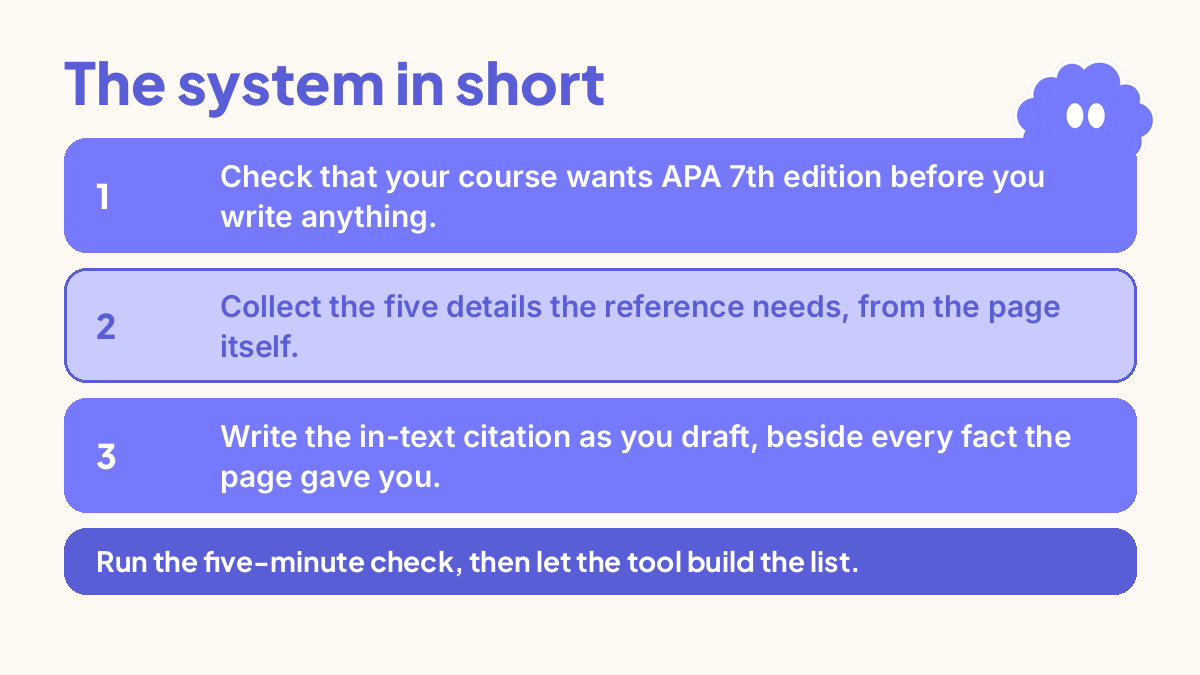
The system in short
- Check that your course wants APA 7th edition before you write anything.
- Collect the five details the reference needs, from the page itself.
- Write the in-text citation as you draft, beside every fact the page gave you.
- Build the reference list entry from one template, with the page title in italics.
- Handle the awkward cases: no author, no date, and pages that change.
- Run the five-minute check, then let the tool build the list.
Step 1: Check that your course wants APA 7th edition
APA is the style of the social sciences: psychology, nursing, education, and business courses use it most. But your course guide always wins, and websites are where guides differ most. Open it and find its website page. Note three things: whether it says APA 7th edition, whether it wants a retrieval date, and how it treats a page with no author.
The retrieval date matters most. APA 7 only wants one when the page changes over time, such as a dictionary entry, a social media profile, or a live data page. If your guide says APA 7, use the form in this article and nothing else.
If your handbook names Harvard or MLA instead of APA, stop: the rules here do not apply. The website citation guide in Harvard style uses a different template, and mixing the two in one list is one of the fastest ways to lose marks. One style, one list, from the first page to the last.
Step 2: Collect the five details the reference needs, from the page itself
A website reference in APA needs five details, and a missing one is the most common reason a reference loses marks. First, the author, from the top or the bottom of the page: a named person, or the organisation that runs the site. Second, the date, from the top of the page or the footer: year, month, and day. Third, the title of the page, exactly as it appears in the browser tab or at the top of the page, in sentence case. Fourth, the name of the site. Fifth, the URL, copied from the address bar.
Write the five details on one line, in the order the template uses them, and keep that line next to your notes. The line is the reference, half built, and it stops the most common error in student essays: writing first and hunting for the details after, when the page has moved or the site has changed.
Step 3: Write the in-text citation as you draft, beside every fact the page gave you
The in-text citation is the same for every website: the author’s surname and the year, in brackets, beside the fact the page gave you. “Nguyen (2024) explains that retrieval practice works best when the test comes before the notes.” Or: “Retrieval practice works best when the test comes before the notes (Nguyen, 2024).” Write it as you draft, beside every fact, not at the end: a citation added later is usually wrong about the page.
Add a paragraph number when you quote directly, or when the fact sits in one paragraph of a long page: (Nguyen, 2024, para. 4). Web pages have no page numbers, so the paragraph number or the section heading takes their place. Copy the words exactly, use quotation marks, and give the paragraph: a quotation without a locator cannot be checked.
With three or more authors, use the first author’s surname and et al. from the first citation onwards: (Nguyen et al., 2024). With one or two authors, name them both every time: (Nguyen & Carter, 2024). If there is no author, use the title in the text instead, in italics, shortened to the first few words: (“How to revise”, 2024).
Step 4: Build the reference list entry from one template, with the page title in italics
The reference list entry follows one template: Author, A. A. (Year, Month Day). Title of page in sentence case. Site Name. URL. The page title goes in italics; nothing else does. The entry sits in alphabetical order by the author’s surname, on a new page headed “References”, with a hanging indent and double spacing.
For the worked example below, a page by a fictional author, David Nguyen, published on 12 March 2024, the entry reads: Nguyen, D. (2024, March 12). How retrieval practice strengthens memory. Study Hub. www.studyhub.example/retrieval-practice. Note the full date in brackets, the page title in italics and in sentence case, the site name in plain text, and the URL at the end with no full stop after it.
If the author and the site name are the same, the entry shortens: Study Hub. (2024, March 12). How retrieval practice strengthens memory. www.studyhub.example/retrieval-practice. The site name appears once, as the author, and is not repeated. The book citation guide in APA style has no URL and no full date, which is why a book and a website must never share a template.
Step 5: Handle the awkward cases
Four cases cause most of the lost marks. First, no author: move the title into the author position, keep it in italics, and alphabetise by the title’s first main word. If the site itself wrote the page, use the site name as the author instead.
Second, no date: check the bottom of the page and the footer first, because many pages carry an updated date there. If no date exists anywhere, write (n.d.) where the date would go, in the reference and in the text: (Nguyen, n.d.).
Third, a page that changes over time: a dictionary entry, a social media profile, or a live data page. Add a retrieval date before the URL: Retrieved March 12, 2024, from www.example.com/page. An ordinary page with a fixed date needs no retrieval date, and adding one to every web reference is an APA 6 habit to drop.
Fourth, cite the page, not the whole site. The journal article guide in APA style covers sources with a DOI; a web page has no DOI, so the URL is the link a reader follows.
Step 6: Run the five-minute check, then let the tool build the list
Before you submit, spend five minutes checking every website reference. First, does each entry have all five details, or a clear reason for a missing one, such as (n.d.)? Second, is the page title in italics and in sentence case, and nothing else? Third, does the URL open the exact page you used, not the homepage? Fourth, does every in-text citation have a matching entry, and does every entry have at least one in-text citation? Fifth, is the list in alphabetical order, with a hanging indent, and headed “References”?
Then let the citation generator build the list. Choose APA, choose Website, and type the five details into the fields that appear. The tool shows only the fields APA needs for a website, builds the entry in the template above, and keeps the list in your browser in alphabetical order, with copy, print, and export. Check the output against your guide once, then trust it.
A worked example: citing a website in an essay on memory
Your situation: First-year psychology student, essay on how memory works. You used one website throughout: a made-up example page by a fictional author, David Nguyen, called “How retrieval practice strengthens memory”, published on the Study Hub site on 12 March 2024. You also used one book and one journal article, and the essay is due on Friday. The page is invented, so the reference below is an illustration of the shape, not a real citation.
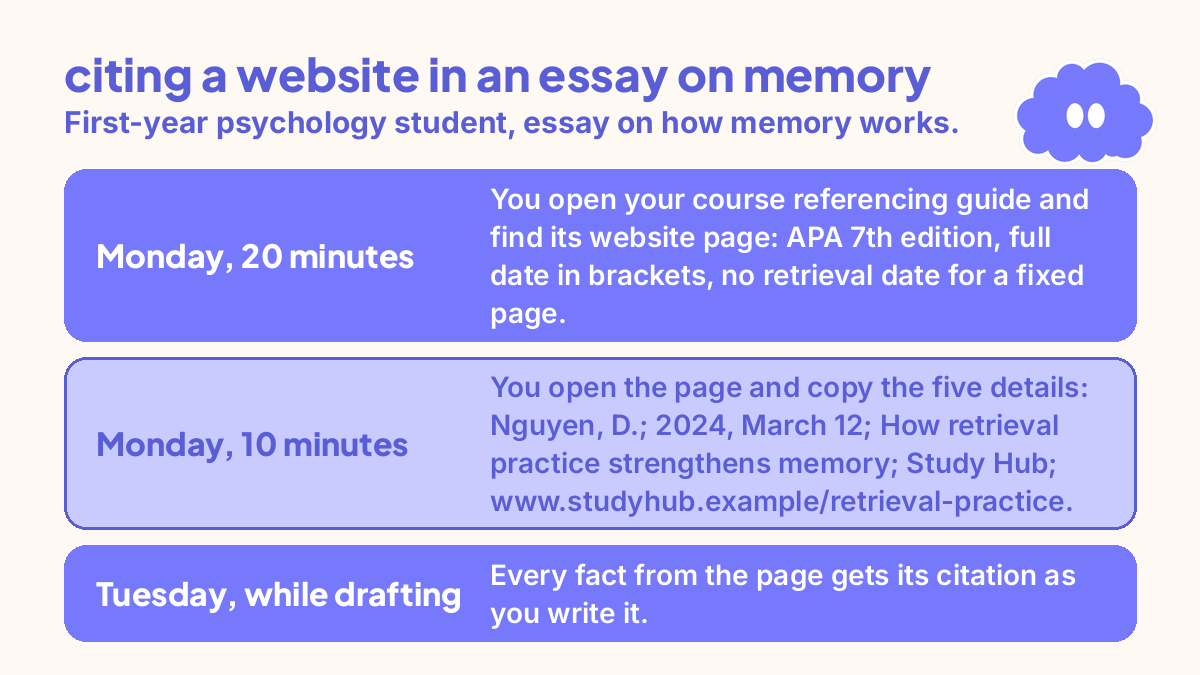
- Monday, 20 minutes: You open your course referencing guide and find its website page: APA 7th edition, full date in brackets, no retrieval date for a fixed page. You write the template on a sticky note.
- Monday, 10 minutes: You open the page and copy the five details: Nguyen, D.; 2024, March 12; How retrieval practice strengthens memory; Study Hub; www.studyhub.example/retrieval-practice. You write them on one line, next to your notes, and check the URL opens the page.
- Tuesday, while drafting: Every fact from the page gets its citation as you write it. “Nguyen (2024) explains that retrieval practice works best when the test comes before the notes.” One direct quotation gets a paragraph number: (Nguyen, 2024, para. 4).
- Wednesday, 15 minutes: You build the reference list entry from the template: Nguyen, D. (2024, March 12). How retrieval practice strengthens memory. Study Hub. www.studyhub.example/retrieval-practice. The page title is in italics, the date is full, and there is no full stop after the URL.
- Thursday, 5 minutes: You run the check: all five details are there, the page title is in italics and in sentence case, the URL opens the exact page, and the in-text citations match the entry. You also check the book and journal article references against their own templates, so the three entries do not get mixed up.
- Friday, 5 minutes: You put the details into the citation generator, choose APA and Website, and let it build the entry. It matches yours exactly. You copy it into the reference list and submit.
The references took an hour in total, spread across the week, and none of it was done in a panic on Friday night.
When it goes wrong
You add a retrieval date to every web reference. APA 7 only wants one when the page changes over time. An ordinary page with a fixed date needs none, and adding one marks the reference as APA 6.
You guess the date. The date sits at the top of the page or in the footer. If no date exists anywhere, (n.d.) is the correct form. Guessing a year from when you found the page is inventing a fact.
You copy the URL from a search result. Search results shorten and redirect URLs. Copy the address from the page itself, and click it once to check it opens the page you used.
You write the page title in title case. APA uses sentence case for page titles: only the first word, the first word after a colon, and proper nouns take capitals. The site name keeps its own capitalisation. Fix both by hand.
Your reference list has an entry with no in-text citation. Every entry must be cited in the text, and every in-text citation must have an entry. A page you read but never cited does not belong in the reference list. This is the check that catches the most errors, and it takes two minutes.
Weekly review checklist
- Have I checked that my course wants APA 7th edition, not Harvard or MLA?
- Have I collected all five details for each website, from the page itself?
- Did I write the in-text citation as I drafted, beside every fact the page gave me?
- Is the page title in italics and in sentence case, and is the entry in the template’s order?
- Have I handled the awkward cases: no author, no date, and pages that change?
- Did I run the five-minute check, and does the tool’s output match my guide?
Downloadable infographic spec: one vertical image, title “How to cite a website in APA style”, with the six steps from “The system in short” and the six review questions above, in Thynq cream, Cloud Purple, Dark Purple and pink, with the Cloud mascot. Text taken word-for-word from this article.
What this system is not
It is not a substitute for your university’s referencing guide, which always wins where it differs from this article. It is not a way to cite a page you have not read: the five details come from the page itself, not from a search result. It does not cover Harvard or MLA, which use different templates; the tool builds those, but this article is APA only. And it does not make referencing interesting; it makes it routine, so an hour spread across the week replaces a panicked Friday night. If you are short on time because work eats your evenings, the same routine still fits into small blocks, and How to study with a full-time job shows how to protect two evening blocks a week for work like this.
Sources
- American Psychological Association. (2019). Publication manual of the American Psychological Association (7th ed.). American Psychological Association. Supports the APA 7 website template, the sentence case rule, the (n.d.) form, and the retrieval date rule for pages that change over time.
- Purdue Online Writing Lab. APA style guide: Reference list, electronic sources. Read November 2026. Supports the APA 7 website template and the in-text citation forms, including the paragraph number rule for direct quotations from web pages.
- Thynq citation generator. The tool page on thynq.org, read 22 November 2026. Supports the tool description in this article: three styles, four source types, the website fields, and the in-text citation shown beside every reference.
For the full system behind this method, start with How to build a study system that fits your life.
Questions
How do I cite a website in APA style?
Write (Author, Year) in your text, then add one full entry to your reference list: Author, A. A. (Year, Month Day). Title of page in sentence case. Site Name. URL. The page title is in italics. Collect the author, date, page title and site name from the page itself before you write.
What do I do if a website has no author in APA style?
Move the title into the author position, keep it in italics, and alphabetise the entry by the title’s first main word. If the site itself is the author, use the site name as the author and do not repeat it later in the entry. Never invent an author.
What do I do if a website has no date in APA style?
Write (n.d.) where the date would go, in the reference and in the text: (Author, n.d.). Check the bottom of the page and the page footer first, because many pages carry an updated date there. If no date exists anywhere, (n.d.) is the correct form.
Do I need a retrieval date when I cite a website in APA style?
No, not usually. APA 7 only wants a retrieval date when the page changes over time, such as a dictionary entry, a social media profile, or a live data page. For an ordinary page with a fixed date, the date and the URL are enough.